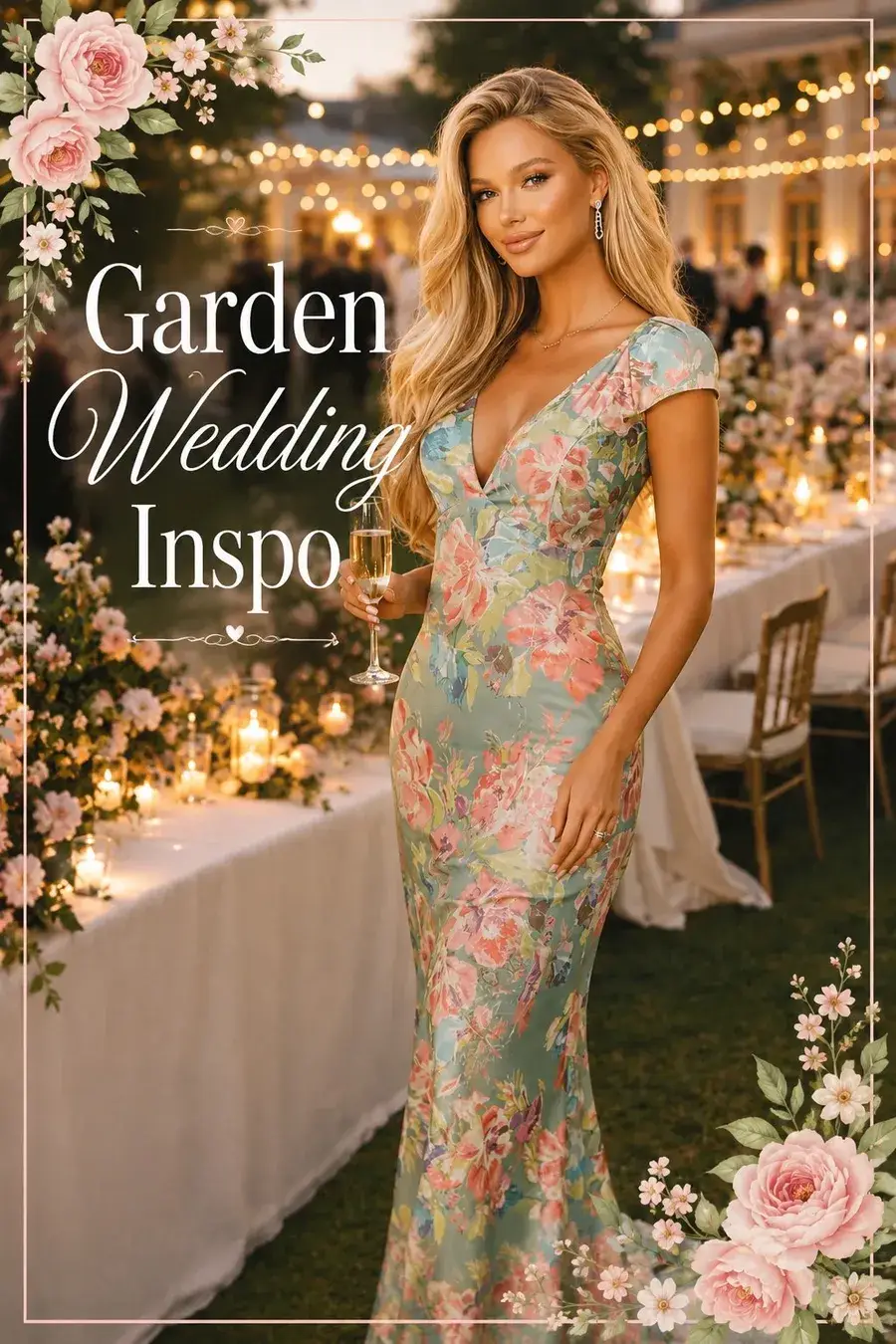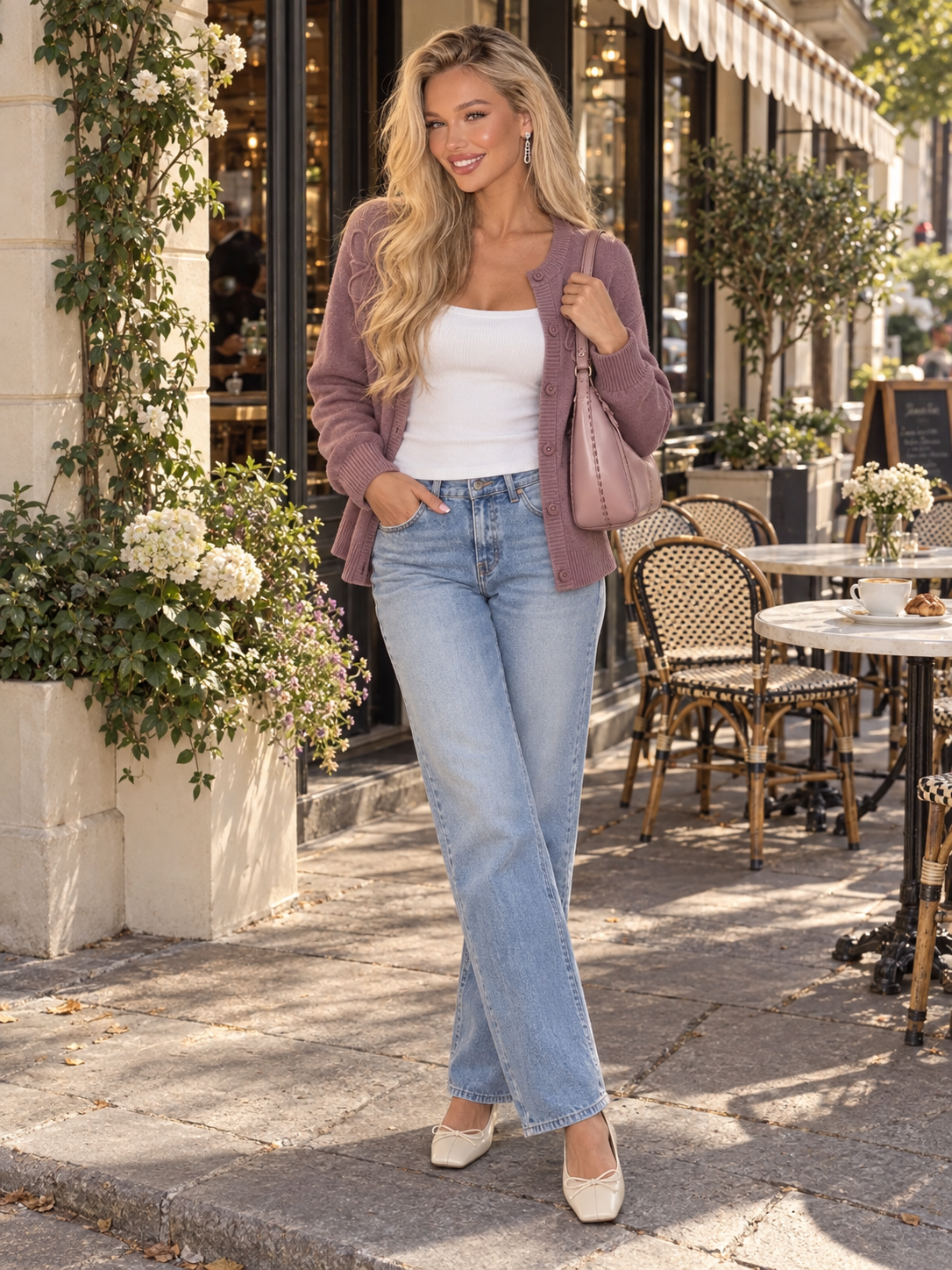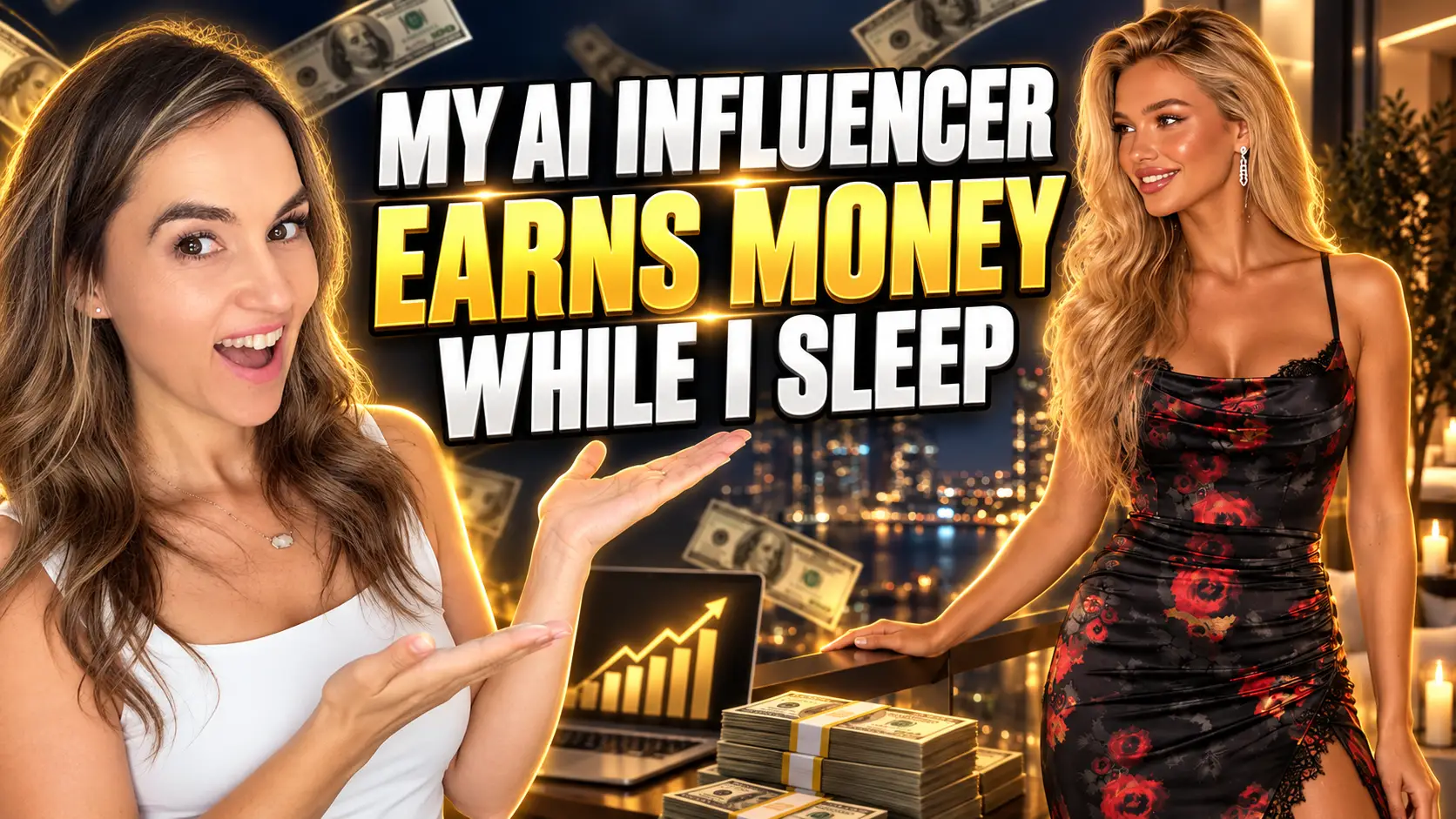
Have you ever wondered whether an AI influencer could actually help you earn money online—even while you sleep? I created my AI fashion influencer, Valentina, to help me turn products I already promote into fresh content for Amazon, Pinterest, LTK, Facebook, TikTok, and Instagram.
Watch Full Tutorial Here – https://youtu.be/xLDes87DOwY
The best part is that she can change outfits, locations, and content formats in seconds. I do not need to get dressed, find the perfect location, or schedule another photoshoot every time I want to share a new look.
In this guide, I’ll walk you through the process I use to create an AI influencer, dress her in Amazon finds, tag affiliate products, and repurpose one image across several platforms.
Affiliate disclosure: This post may contain affiliate links. If you make a purchase through one of my links, I may earn a commission at no additional cost to you. Results from affiliate marketing vary and income is never guaranteed.
What Is an AI Influencer?
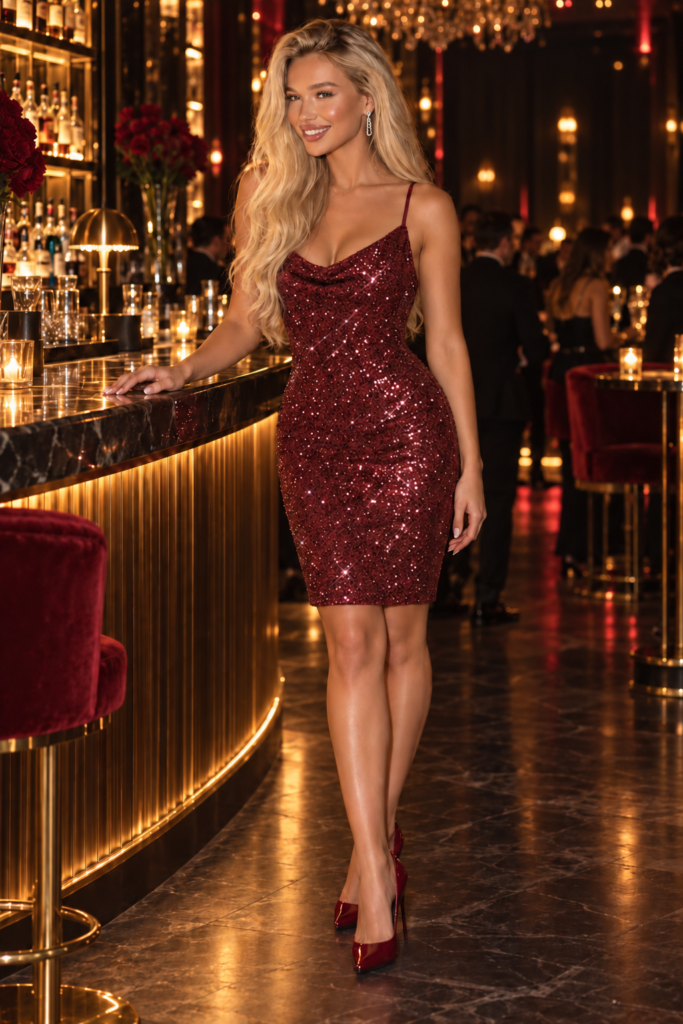
An AI influencer is a computer-generated character that can appear in photos and videos, model different outfits, and create content for social media. You can develop a consistent name, appearance, style, and personality for your character so your audience begins to recognize her.
My AI influencer is named Valentina. I use her primarily for fashion and affiliate content. Once I created her look, I was able to place her in different settings, dress her in outfits inspired by products I promote, and even bring her photos to life with AI video tools.
An AI influencer should never be used to mislead people. I disclose when an image or video is AI-generated, and I also disclose my affiliate relationship whenever I may earn a commission.
Step 1: Choose an Outfit and Gather the Product Links
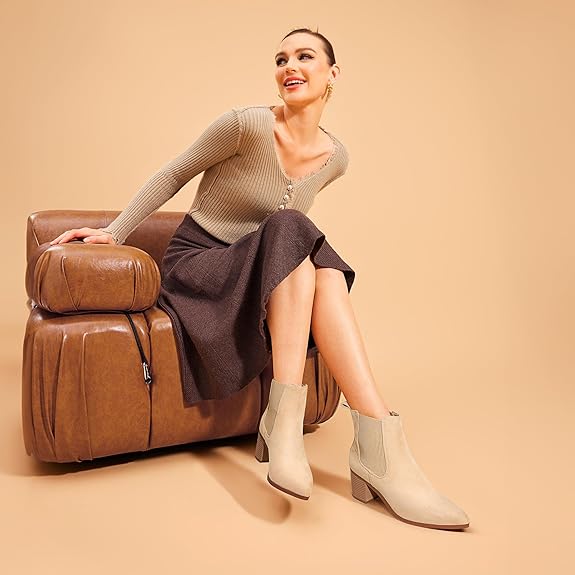
I usually begin with an outfit I have already worn or a collection of products I found online. For example, I might choose a top, skirt, boots, earrings, necklace, and lip gloss from Amazon.
Before creating the image, I save the exact products I want to feature. This makes it easier to tag the correct items after the content is ready. I may also include a few complementary products that fit the overall style, but I make sure viewers can clearly identify which pieces are actually shown in the image.
Accuracy matters. Your AI image should resemble the products closely enough that shoppers understand what they are clicking. Avoid claiming that an AI character personally owns, wears, or recommends a product.
Step 2: Create Your AI Influencer With ChatGPT
Next, I upload a reference image of the outfit and a reference image of Valentina into ChatGPT. If you have not created an AI influencer yet, you can begin with a written description.
For example, you could request a fictional fashion influencer with a specific hair color, height, personal style, and overall aesthetic. Do not ask the tool to copy a real person. Create an original character that fits your brand.
Here is a simple prompt similar to the type I use:
Valentina is wearing this outfit. She is standing on a charming street corner decorated for fall. Preserve her recognizable face, hair, and figure. Keep the clothing as close as possible to the uploaded product references. Create a realistic, full-body fashion image in a vertical social-media format.
The more clearly you describe the outfit, pose, location, framing, and mood, the better the result will usually be. I often request several versions so I can choose the most realistic one.
Step 3: Add the AI Outfit to Your Amazon Storefront
If you are part of the Amazon Influencer Program, you may be able to upload shoppable photos to your storefront and tag the featured products.
I upload the finished image, select the shirt, skirt, boots, jewelry, and any other relevant items, and write a short caption describing the look. Most importantly, I mark the content as AI-generated when the platform provides that option.
Only tag products that are genuinely relevant to the post. Tagging unrelated items simply to increase the number of links can create a confusing shopping experience and may violate platform rules.
Because platform features and policies can change, check the current Amazon requirements before uploading AI-generated content.
Step 4: Turn the Image Into a Pinterest Pin
Pinterest is one of my favorite places to share affiliate fashion content because people visit the platform specifically to find inspiration, plan outfits, and shop.
I ask ChatGPT to create a Pinterest title, search-friendly description, and relevant hashtags for the outfit. I include keywords that shoppers may actually search for, such as “fall outfit ideas,” “Amazon fashion finds,” or “women’s knee-high boot outfit.”
I also include clear disclosures such as #ad, affiliate link, and AI-generated image when appropriate.
When I publish the Pin, I:
- Upload the AI-generated fashion image.
- Add a keyword-friendly title and description.
- Choose the most relevant Pinterest board.
- Add my disclosed affiliate destination link.
- Mark the image as AI-generated when the option is available.
- Tag relevant products when Pinterest supports them.
One image can also become several Pins. I might change the background, pose, collage layout, or text overlay and schedule the variations over time with Tailwind. This allows me to create more content without starting from scratch every day.
Why I Prefer Deep Affiliate Links
A standard affiliate link may open inside a mobile browser, which can require the shopper to sign in again. A deep link is designed to open the product or storefront inside the retailer’s app when possible, creating a smoother shopping experience.
I currently use ShopMy to create many of my deep links. Before publishing, I test each link on my phone to make sure it opens the correct destination and tracks properly. Link behavior can vary by device, browser, platform, and service, so always test your own links.
Step 5: Share the Outfit on Facebook
You can create a Facebook Page for your AI influencer or share the content through your existing creator page. For Valentina, I upload the image with a short caption, a clear affiliate disclosure, a few relevant hashtags, and the outfit link.
A simple caption could say:
Cute fall outfit inspiration! Shop the complete look here: [your link] #ad #AIgenerated
Depending on your account and location, Facebook may also offer product-tagging and affiliate features. Use only the options available to your account and review the current eligibility requirements.
Step 6: Post and Tag the Products on LTK
LTK is another platform where fashion creators can share shoppable images and tag individual products. I upload either the original AI fashion image or a collage featuring the outfit pieces, write a short caption, and select the corresponding products from my saved collection.
When tagging products, I distinguish between an exact item shown in the image and a similar product that simply complements the look. Clear, accurate tagging builds trust and makes shopping easier for your audience.
After the post is live, viewers can tap the products they like, visit the retailer, and make a purchase. If the purchase qualifies, I may earn a commission.
Step 7: Bring Your AI Influencer to Life With Video
A still image is only the beginning. I also use AI video tools such as Grok to animate Valentina.
I upload the finished image and use a simple prompt like:
Bring this image to life. She is naturally modeling her outfit with subtle movements. No talking. Keep her face, clothing, and background consistent.
Within a short time, I have a video that I can adapt for Pinterest, Facebook, Instagram, or TikTok. If a platform allows affiliate product tagging, I can connect the video to the featured items while following that platform’s disclosure and AI-content rules.
AI video does not always come out perfectly on the first attempt. Look closely for changing facial features, distorted hands, flickering clothing, or products that suddenly look different. Generate another version if anything appears misleading or unrealistic.
Step 8: Repurpose One Idea Across Multiple Platforms
The real advantage of this strategy is repurposing. One outfit can become:
- An Amazon shoppable photo
- A Pinterest image Pin
- A Pinterest video Pin
- An LTK post or collage
- A Facebook photo or Reel
- An Instagram post or Reel
- A TikTok or TikTok Shop video, when eligible
Each platform has its own audience, format, and rules, so I do not publish the exact same caption everywhere. I adjust the copy, disclosures, dimensions, and product tags for each destination.
Why I Use an AI Influencer
I enjoy creating content myself, but I do not always want to get dressed, apply makeup, travel to a location, and film a new outfit. Valentina gives me another creative way to present products and test content ideas.
She can model a fall outfit on a flower-lined street, appear in a modern bedroom, or create a short fashion video—all without a traditional photoshoot. That flexibility helps me stay consistent and create more visual content from the products I am already promoting.
However, an AI influencer is not a magic money button. You still need useful content, accurate product information, clear disclosures, quality links, consistent posting, and an audience that trusts you. The AI character is a tool that supports the business; it does not replace the work behind it.
Important Disclosure and Trust Reminders
Before you begin, keep these principles in mind:
- Clearly disclose affiliate links in every post where you may earn a commission.
- Tell viewers when a person, image, or video is AI-generated.
- Follow the current rules for every platform you use.
- Do not copy a real person’s identity or likeness without permission.
- Do not make false claims about products or your earnings.
- Tag only accurate, relevant products.
- Test every link before publishing.
- Review AI-generated photos and videos carefully for errors.
Transparency is not only important for compliance—it also helps protect the relationship you are building with your audience.
Final Thoughts
Creating an AI influencer has given me a fun and flexible way to expand my affiliate marketing content. I can take one outfit, create a polished image, tag the products, turn the photo into a video, and share the idea across several platforms.
If you are interested in fashion, skincare, fitness, home décor, or another visual niche, you can adapt this same process to fit your brand. Start with one character, one product collection, and one platform. Once you understand the workflow, begin repurposing your content and testing what your audience responds to.
The goal is not simply to create more content. It is to create useful, attractive, transparent content that helps shoppers discover products they genuinely want.
If you would like to learn more about the ways I use affiliate marketing and AI to earn an income online as a stay-at-home mom, subscribe to my YouTube channel and follow along for more step-by-step tutorials.
Suggested SEO title: How to Create an AI Influencer and Make Money With Affiliate Marketing
Suggested meta description: Learn how I create an AI fashion influencer and turn one outfit into affiliate content for Amazon, Pinterest, LTK, Facebook, Instagram, and TikTok.